- TIPS & TRICKS/
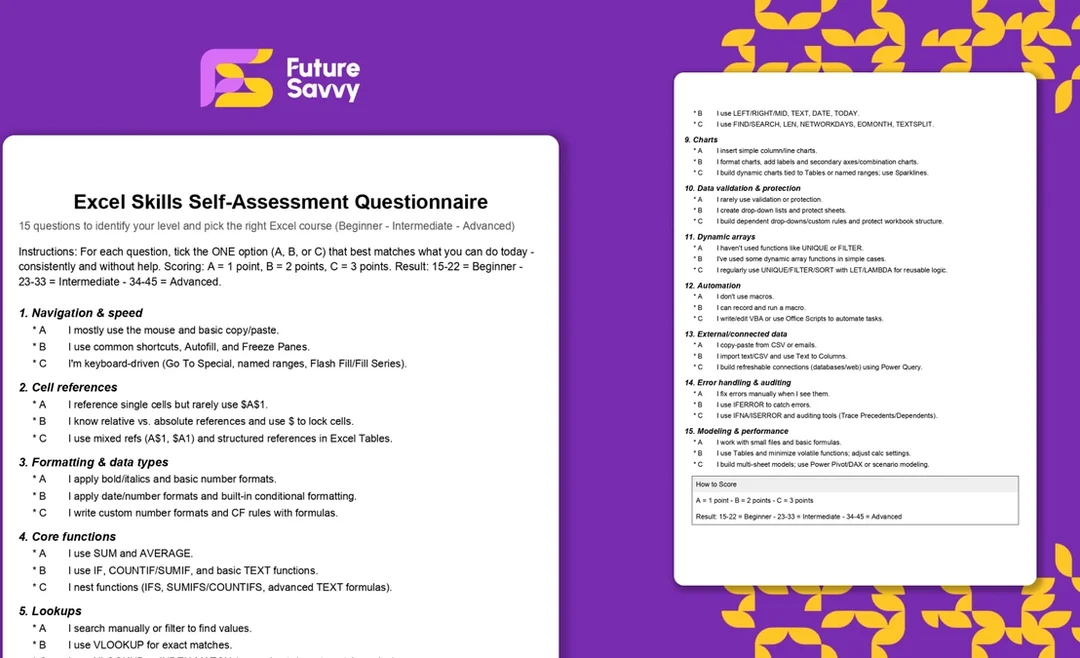
- Excel Skills Self-Assessment Questionnaire/
- TIPS & TRICKS/
- Excel Skills Self-Assessment Questionnaire/
Excel Skills Self-Assessment Questionnaire
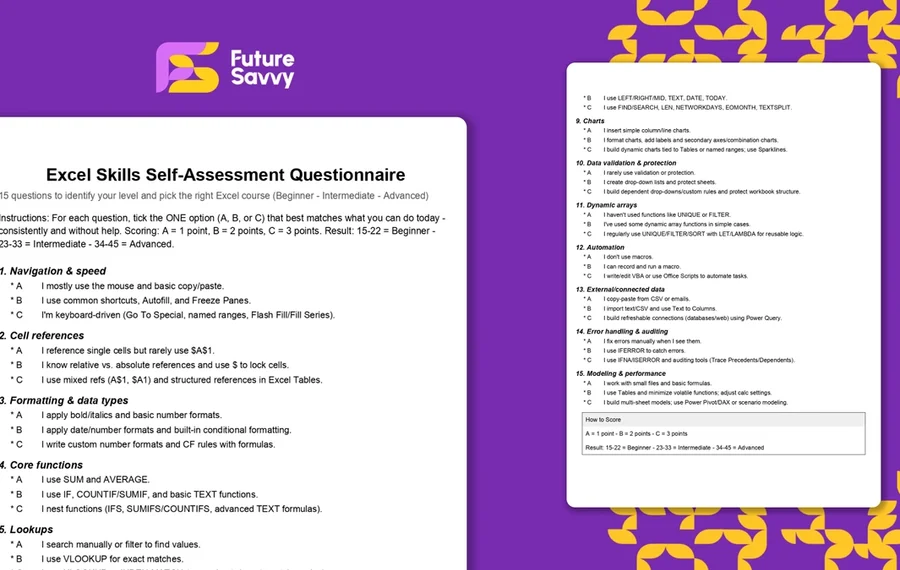
Fifteen questions, three options each. Pick the one that describes what you can do in Excel today without help, and the tool scores you as it goes. Your level and the course that covers your gaps appear under the last question. No sign-up, and nothing you enter leaves the page.
Excel skills self-assessment
How the scoring works
Each answer scores one, two or three points: the first option is one point, the second two, the third three. Fifteen questions give a total between 15 and 45. A total of 15 to 22 is Beginner, 23 to 33 is Intermediate and 34 to 45 is Advanced. These are the same bands our trainers use when a company asks us to place a mixed group on the right course.
The total is a blunt instrument on purpose. One number cannot tell an "advanced formulas" person from an "automation" person, so the result also lists any topic where you picked the first option while scoring Intermediate or Advanced. If PivotTables or XLOOKUP are on that list, take the course level that teaches them, even if your total says you are past it.
What each level means
Beginner (15 to 22). You can get around a workbook, enter data and use SUM and AVERAGE, but most of what Excel does for you is still untouched. Excel Introduction covers navigation, cell references, Tables, core functions and chart basics in one day, and is the fastest route to not being the person who formats everything by hand.
Intermediate (23 to 33). You use Excel for real analysis. The gaps are in the tools that make it faster and more reliable: PivotTables, SUMIFS and COUNTIFS, XLOOKUP, dynamic charts and data validation. Excel Intermediate is built around exactly those.
Advanced (34 to 45). You are the person colleagues ask. The next step is building things that run without you: Power Query for data that refreshes itself, Power Pivot and DAX for models, dynamic arrays with LET and LAMBDA, and VBA or Office Scripts for automation. Excel Advanced covers the first three; Excel VBA Introduction and Excel Power Query Introduction go deeper on the last two.
Using this for a team
If you are placing a group, have each person take it and send you the score and the gaps line. Three numbers tell you whether one course fits everyone or whether the group splits. A spread of 18 to 40 across a team of eight is normal, and it is the reason we run most team sessions as two levels rather than one.
Scores are a self-report, so they skew optimistic for people who have never seen what they are missing. That is fine for placing a course. It is not a hiring test, and we would not use it as one.
Print it instead
The same fifteen questions are available as a two-page PDF for anyone who would rather tick boxes on paper, or who wants to run it in a room without laptops.
Download the printable questionnaire (PDF)Pick your course
Each course page shows the next public dates and the per-person price, and every one can also run privately for a team, on-site or live online.
Excel IntroductionExcel IntermediateExcel AdvancedNext available dates
Excel Introduction
Live, instructor-led training with a real trainer. Book a seat on a scheduled date below, or get a quote for your team to run it privately.
5 Nov 2026
Thursday · Virtual · 1 day
£325per person + VAT
9 Nov 2026
Monday · Virtual · 1 day
£325per person + VAT
1 Dec 2026
Tuesday · Virtual · 1 day
£325per person + VAT
Other courses related to this article
- Microsoft ExcelExcel IntermediateEnhance your Excel proficiency in just one day with this Intermediate course. Ideal for users who are comfortable with the basics, you’ll focus on practical features that improve data analysis, formula use, and reporting efficiency. Gain greater confidence working with your organisation’s essential data.1 Day · Classroom or on-site
- Microsoft ExcelExcel AdvancedAdvance your Excel skills in this one-day course, designed for those already comfortable with spreadsheets. Gain practical tools for automating tasks, handling complex datasets, and visualising results, so you can analyse and present data with ease for your team or organisation.1 Day · Classroom or on-site
Ready to train your team?
Tell us what you need and we'll come back to you with a detailed quote.
- Tailored contentBuilt around your team's work and skill levels.
- Flexible schedulingDates and times that suit your team, not ours.
- Your place or onlineDelivered at your office or virtually.
- Better value per headOne trainer, one day, your whole team.
- A dedicated trainerYour team gets all of the trainer's attention.
- Realistic examplesSample data built around the kind of work your team does.
We reply with available dates and a price for your team. No obligation.
Related Articles
 Tips & Tricks
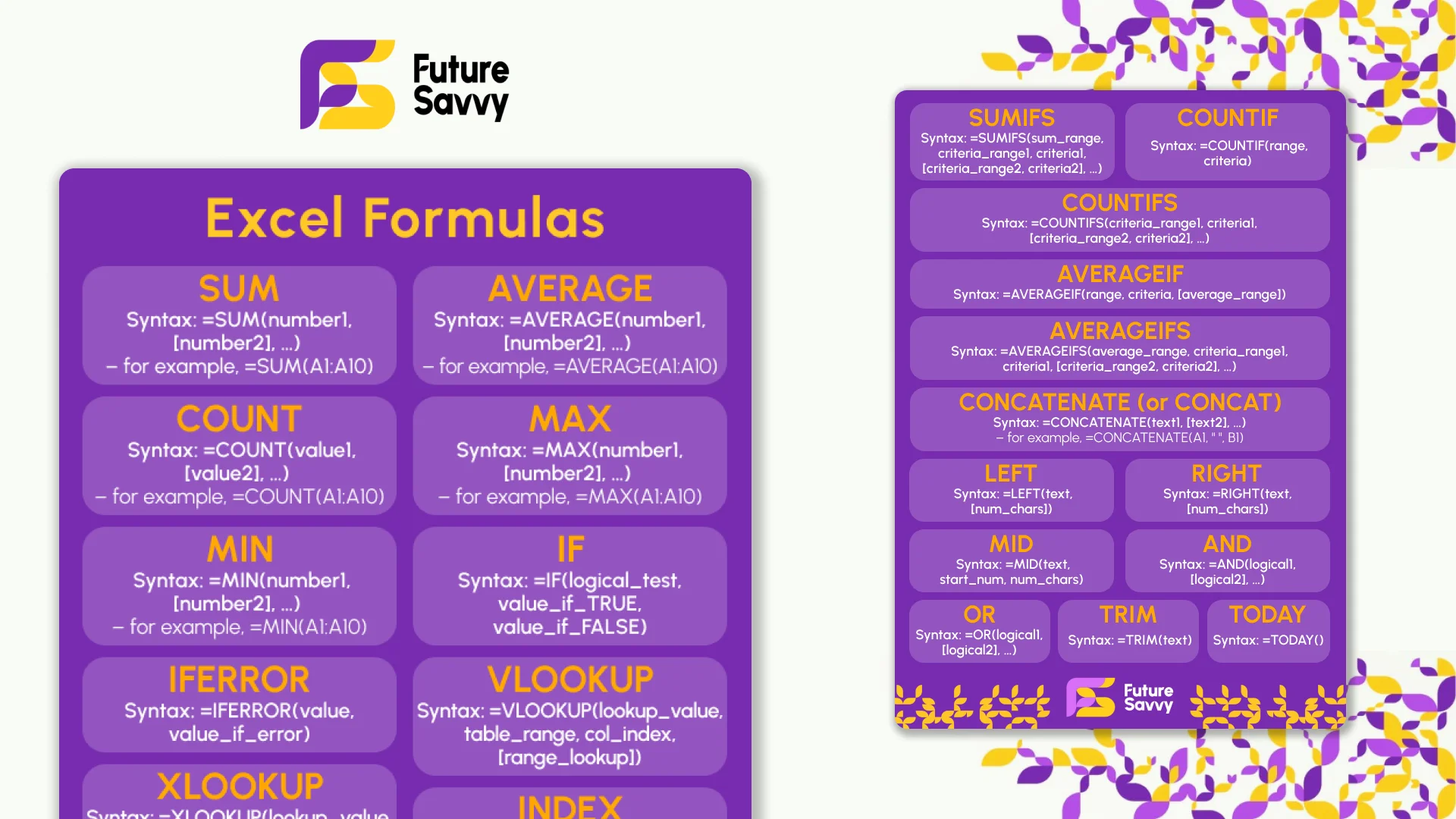
Excel Formulas Cheat Sheet: 34 Formulas With Examples
Thirty-four Excel formulas with the syntax, a worked example and the mistake people make with each: SUM to SUBTOTAL, IF and IFS, XLOOKUP and INDEX-MATCH, SUMIFS and COUNTIFS, the text and date functions, and the dynamic array functions in Excel 365. Read it on the page, copy any formula, or download the two-page printable PDF. No sign-up.
 Tips & Tricks
Best Excel Courses in the UK: How to Choose the Right Training
Compare the best Excel course options for UK learners by level, live price, duration, format and certificate. See the Introduction, Intermediate and Advanced training ladder.
 L&D Insights
Are IT Skills Training Courses Worth It?
The article argues that in a digital-first economy, investing in IT skills training courses is essential for individuals and organisations. It contrasts free learning resources with paid, proctored certifications and notes that certifications often lead to promotions, salary gains, and employer-valued productivity. For businesses, it shows strong ROI - through higher productivity and reduced risk - backed by case studies, and closes with an invitation to explore Future Savvy’s instructor-led Excel, Power BI, and SQL courses.
Insights for modern teams
Stay ahead with our latest learning trends, tools, and success stories. Enter your email address below to receive updates from us.