- TIPS & TRICKS/
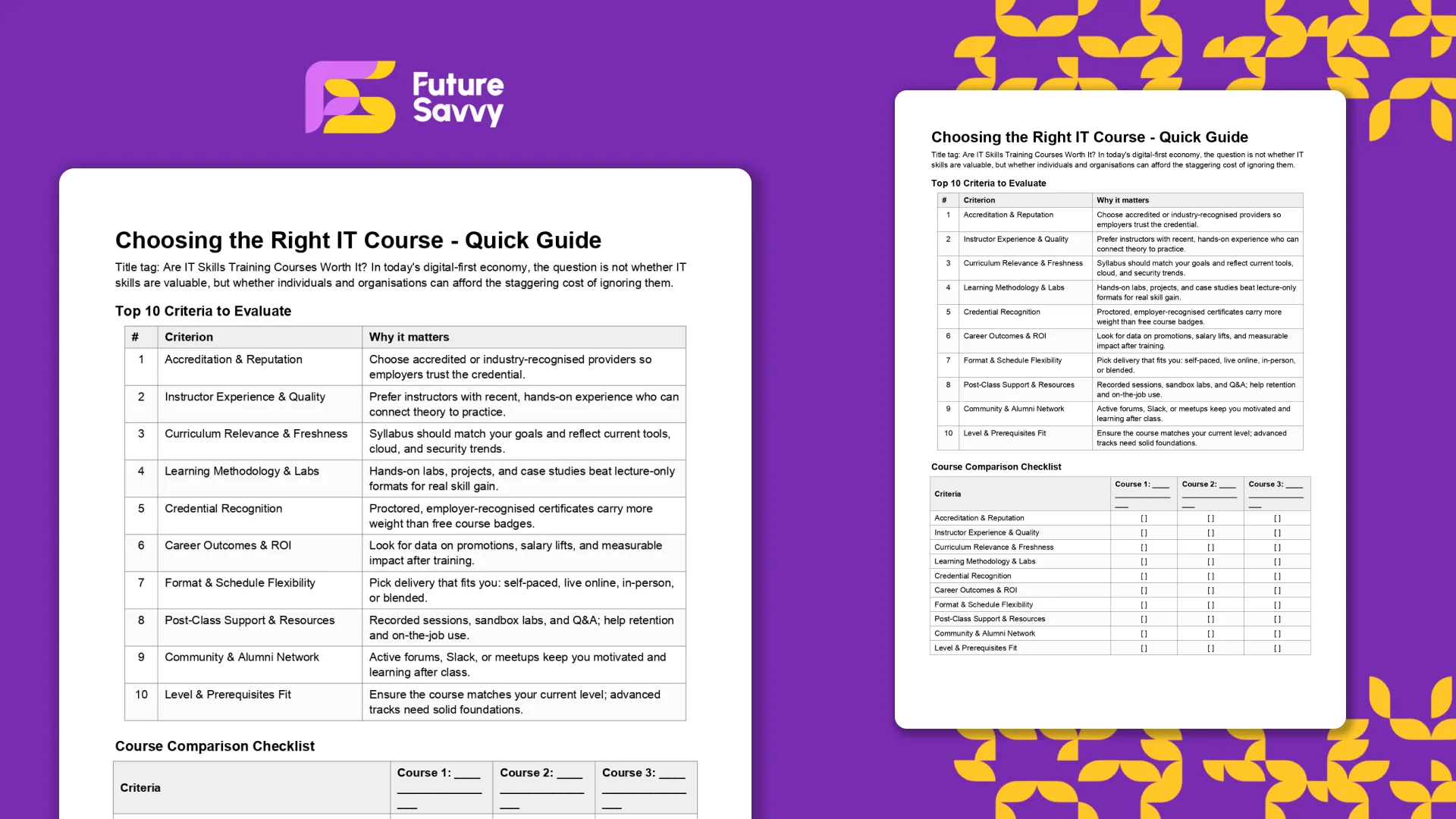
- Choosing the Right IT Course - Quick Guide/
Choosing the Right IT Course - Quick Guide
Download Resource
Related Articles
 Tips & Tricks
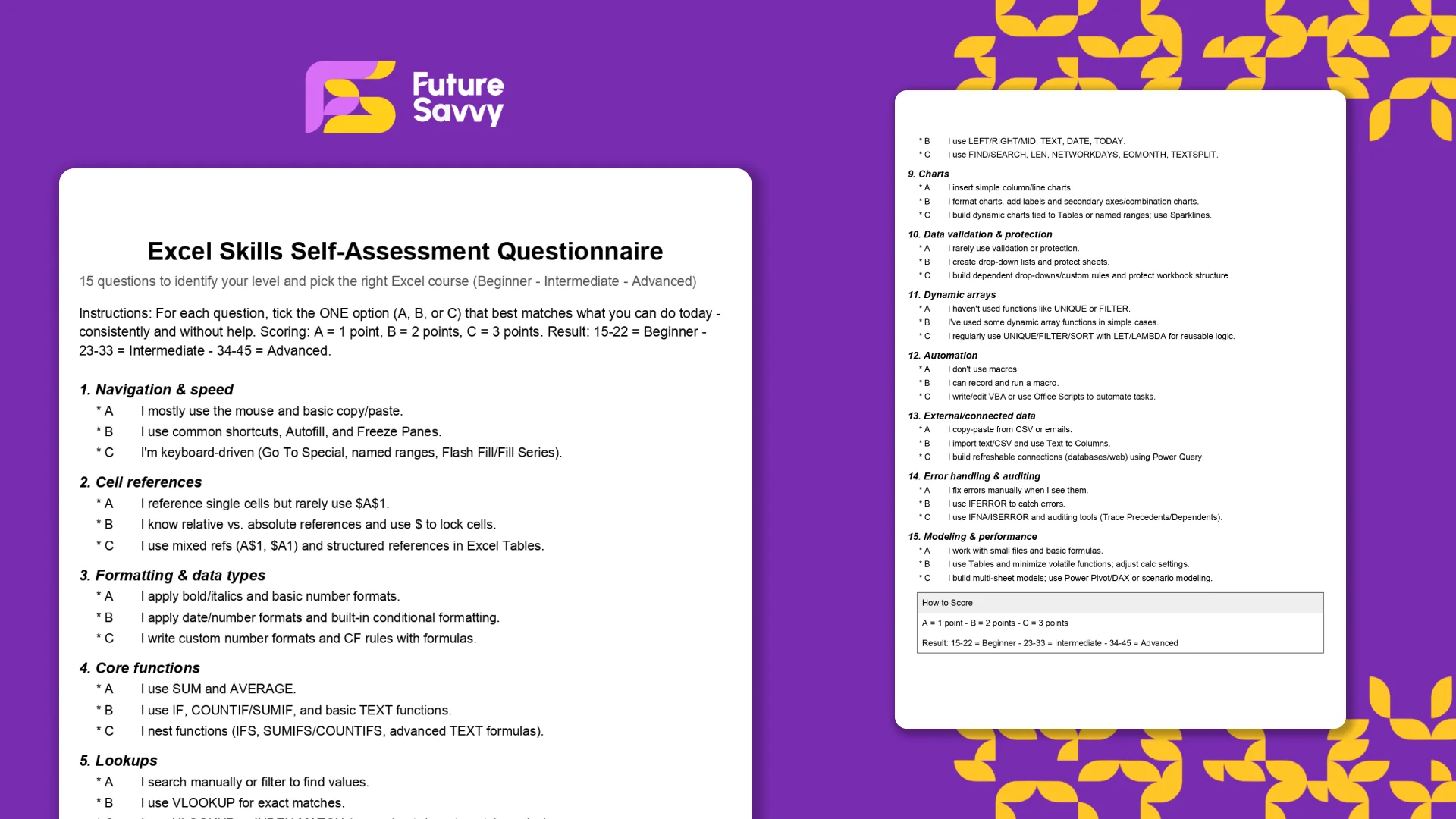
Excel Skills Self-Assessment Questionnaire
This free, printable Excel Skills Self-Assessment helps you quickly gauge your level and pick the right next step in your learning path. It contains 15 multiple-choice questions spanning navigation, formulas, lookups, tables, PivotTables, charts, dynamic arrays, Power Query, and more. You’ll score yourself and interpret the result to see whether you’re Beginner, Intermediate, or Advanced - then follow tailored course recommendations based on your score.
 Tips & Tricks
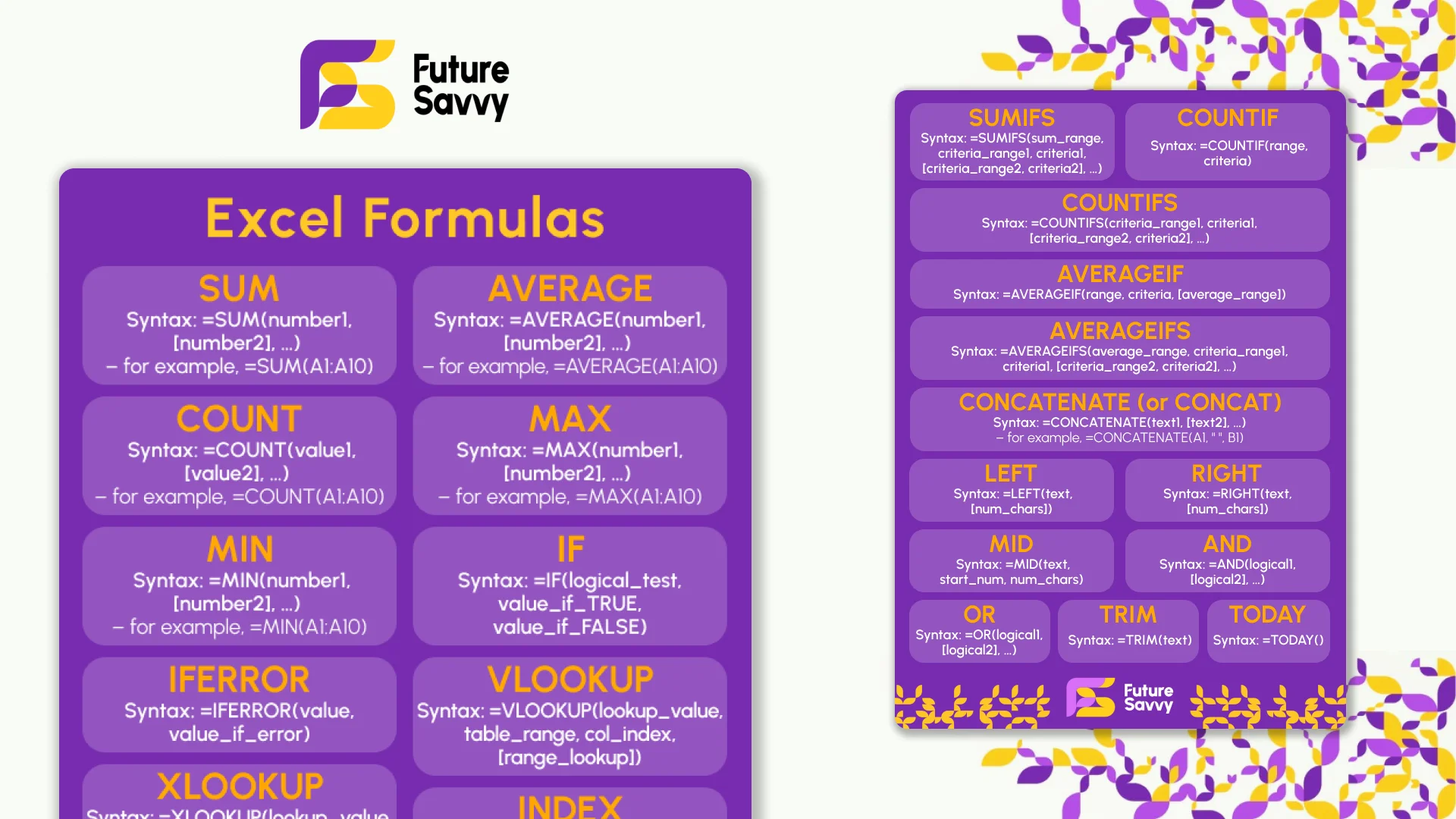
Excel Formulas Cheat Sheet: 34 Formulas With Examples
Thirty-four Excel formulas with the syntax, a worked example and the mistake people make with each: SUM to SUBTOTAL, IF and IFS, XLOOKUP and INDEX-MATCH, SUMIFS and COUNTIFS, the text and date functions, and the dynamic array functions in Excel 365. Read it on the page, copy any formula, or download the two-page printable PDF. No sign-up.
 L&D Insights
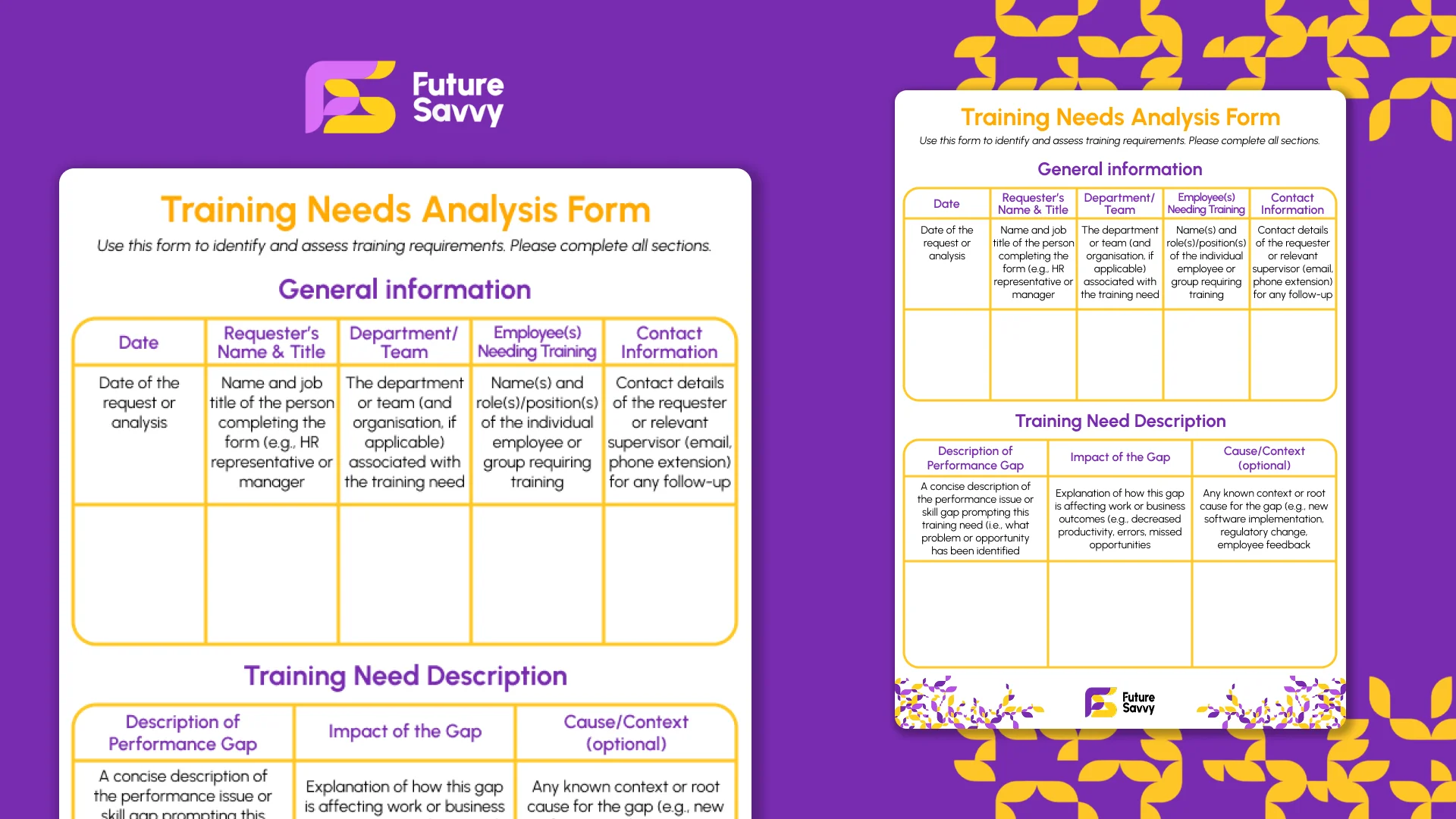
Training Needs Analysis Form
This fillable Training Needs Analysis (TNA) form helps teams identify and assess training requirements while capturing core request details (date, requester, team, employees). It walks you through defining the performance gap and its impact, aligning the need to business goals, comparing current vs. desired skills, and setting clear learning objectives with success criteria. You’ll also specify preferred delivery format/provider, timeline and priority, budget/resources, and define success metrics, evaluation, and approvals - so every request becomes a measurable, accountable plan.
Insights for modern teams
Stay ahead with our latest learning trends, tools, and success stories. Enter your email address below to receive updates from us.