- TIPS & TRICKS/
- Excel Formulas Cheat Sheet: 34 Formulas With Examples/
- TIPS & TRICKS/
- Excel Formulas Cheat Sheet: 34 Formulas With Examples/
Excel Formulas Cheat Sheet: 34 Formulas With Examples
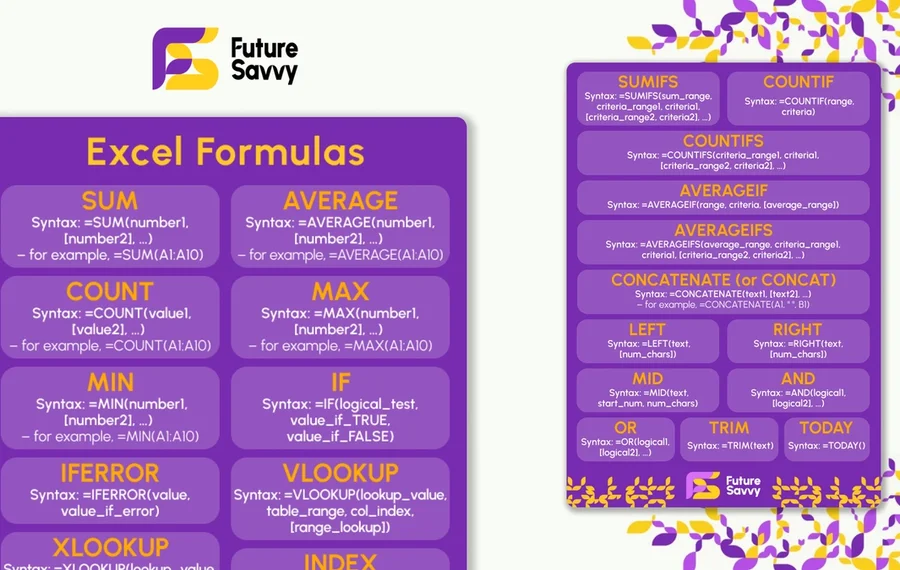
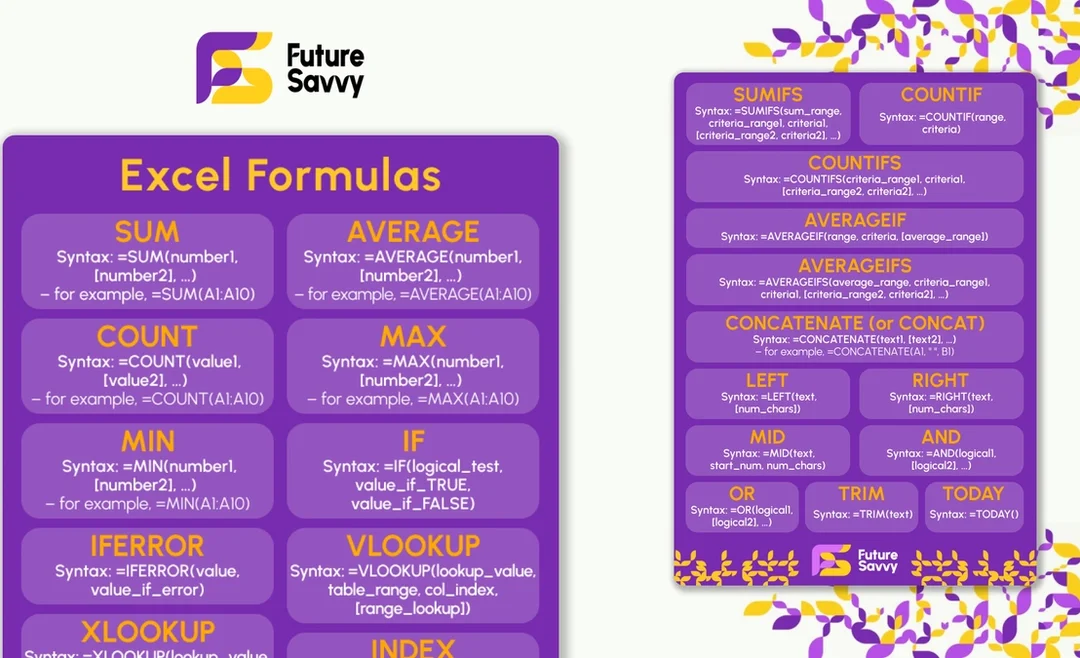
Every formula below is written against the same shape of sheet: data starts in row 2, names in column A, dates in B, amounts in C. Change the ranges and the rest works as printed. Each one has a one-line note on what it does and the mistake people most often make with it.
Download the printable PDF (two pages)Maths and aggregation
=SUM(B2:B13)=AVERAGE(B2:B13)=MIN(B2:B13)=MAX(B2:B13)=COUNT(B2:B13)=ROUND(B2,2)=SUBTOTAL(109,B2:B13)Logic
=IF(B2>=50,"Pass","Fail")=IFS(B2>=70,"Merit",B2>=50,"Pass",TRUE,"Fail")=IFERROR(B2/C2,0)=AND(B2>0,C2<100)Lookups
=XLOOKUP(E2,A2:A200,C2:C200,"Not found")=VLOOKUP(E2,A2:C200,3,FALSE)=INDEX(C2:C200,MATCH(E2,A2:A200,0))Conditional sums and counts
=SUMIF(A2:A200,"North",C2:C200)=SUMIFS(C2:C200,A2:A200,"North",B2:B200,">="&DATE(2026,1,1))=COUNTIF(A2:A200,"North")=COUNTIFS(A2:A200,"North",C2:C200,">1000")=AVERAGEIFS(C2:C200,A2:A200,"North")Text
=TRIM(A2)=LEFT(A2,3)=TEXTSPLIT(A2,",")=TEXTJOIN(", ",TRUE,A2:A10)=TEXT(B2,"dd mmm yyyy")=LEN(A2)Dates
=TODAY()=DATEDIF(B2,TODAY(),"Y")=EOMONTH(B2,0)=NETWORKDAYS(B2,C2)=EDATE(B2,3)Dynamic arrays (Excel 365)
=UNIQUE(A2:A200)=FILTER(A2:C200,B2:B200>1000)=SORT(A2:C200,3,-1)=SEQUENCE(12,1,1,1)Which course covers these
SUM through COUNTIF are Excel Introduction. XLOOKUP, SUMIFS, the text and date functions and PivotTables are Excel Intermediate. Dynamic arrays, LET and LAMBDA, Power Query and modelling are Excel Advanced. Not sure which you are? The fifteen-question self-assessment places you in two minutes.
Take the Excel skills self-assessmentSee Excel IntermediateNext available dates
Excel Introduction
Live, instructor-led training with a real trainer. Book a seat on a scheduled date below, or get a quote for your team to run it privately.
5 Nov 2026
Thursday · Virtual · 1 day
£325per person + VAT
9 Nov 2026
Monday · Virtual · 1 day
£325per person + VAT
1 Dec 2026
Tuesday · Virtual · 1 day
£325per person + VAT
Other courses related to this article
- Microsoft ExcelExcel IntermediateEnhance your Excel proficiency in just one day with this Intermediate course. Ideal for users who are comfortable with the basics, you’ll focus on practical features that improve data analysis, formula use, and reporting efficiency. Gain greater confidence working with your organisation’s essential data.1 Day · Classroom or on-site
- Microsoft ExcelExcel AdvancedAdvance your Excel skills in this one-day course, designed for those already comfortable with spreadsheets. Gain practical tools for automating tasks, handling complex datasets, and visualising results, so you can analyse and present data with ease for your team or organisation.1 Day · Classroom or on-site
Ready to train your team?
Tell us what you need and we'll come back to you with a detailed quote.
- Tailored contentBuilt around your team's work and skill levels.
- Flexible schedulingDates and times that suit your team, not ours.
- Your place or onlineDelivered at your office or virtually.
- Better value per headOne trainer, one day, your whole team.
- A dedicated trainerYour team gets all of the trainer's attention.
- Realistic examplesSample data built around the kind of work your team does.
We reply with available dates and a price for your team. No obligation.
Related Articles
 Tips & Tricks
25 Most Popular Excel Formulas & Functions
Mastering Excel formulas and functions boosts efficiency, accuracy, and workflow, so the article offers a downloadable PDF of 25 essential formulas - ranging from SUM and IF to VLOOKUP and XLOOKUP - each with syntax and practical use cases. The article also spotlights five must-know Excel visualizations (heat maps, box plots, Pareto charts, histograms, and scatter plots) and compares Excel’s hands-on data control with Power BI’s cloud-hosted, interactive dashboards for large datasets.
Insights for modern teams
Stay ahead with our latest learning trends, tools, and success stories. Enter your email address below to receive updates from us.